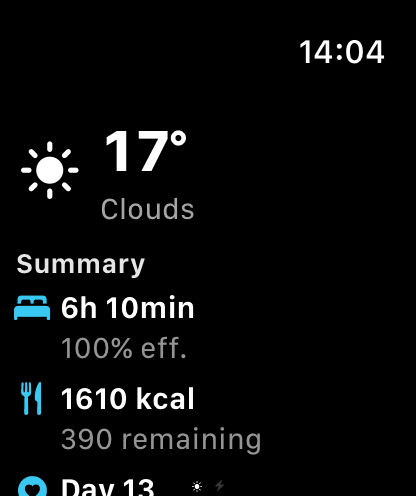
Apple Watch & widgets
Quick-add on your wrist, watch face complications and iOS home-screen widgets — your day at a glance.
The problem
The tracker you actually use is the one within reach — and opening an app for every entry is friction that adds up.
What MeteoHealth does
Log how you feel from your wrist in a tap, keep pressure and your energy score on a watch face complication, and see them on iOS widgets without opening the app.
How it works
The Apple Watch app mirrors quick logging and your key metrics; complications and iOS widgets refresh through the day. Everything syncs through your personal iCloud, like the rest of the app. The Watch app, complications and widgets are part of Pro.
What it does not do
The widgets and complications show your own data and estimates — they are not alerts or a medical monitoring service, and they do not warn you about health events. An Apple Watch is optional: the iPhone covers most features on its own.